728x90
반응형
https://www.postgresql.org/download/linux/redhat/
PostgreSQL: Linux downloads (Red Hat family)
Linux downloads (Red Hat family) The Red Hat family of distributions includes: Red Hat Enterprise Linux Rocky Linux AlmaLinux Fedora and others. PostgreSQL is available on these platforms by default. However, each version of the platform normally "snapshot
www.postgresql.org
위의 사이트 참고하여 설치를 원하는 db 버전, os를 선택하고, 명령어 복사 붙여넣기 하면 됨!
1. db 설치
# rpm 레포지토리 설치
dnf install -y https://download.postgresql.org/pub/repos/yum/reporpms/EL-9-x86_64/pgdg-redhat-repo-latest.noarch.rpm

# 오류: repo를 위한 메타자료 내려받기에 실패하였습니다 'pgdg-common': repomd.xml GPG signature verification error: Bad GPG signature 와 같은 에러 발생시 다음을 수행
# dnf remove pgdg-redhat-repo.noarch
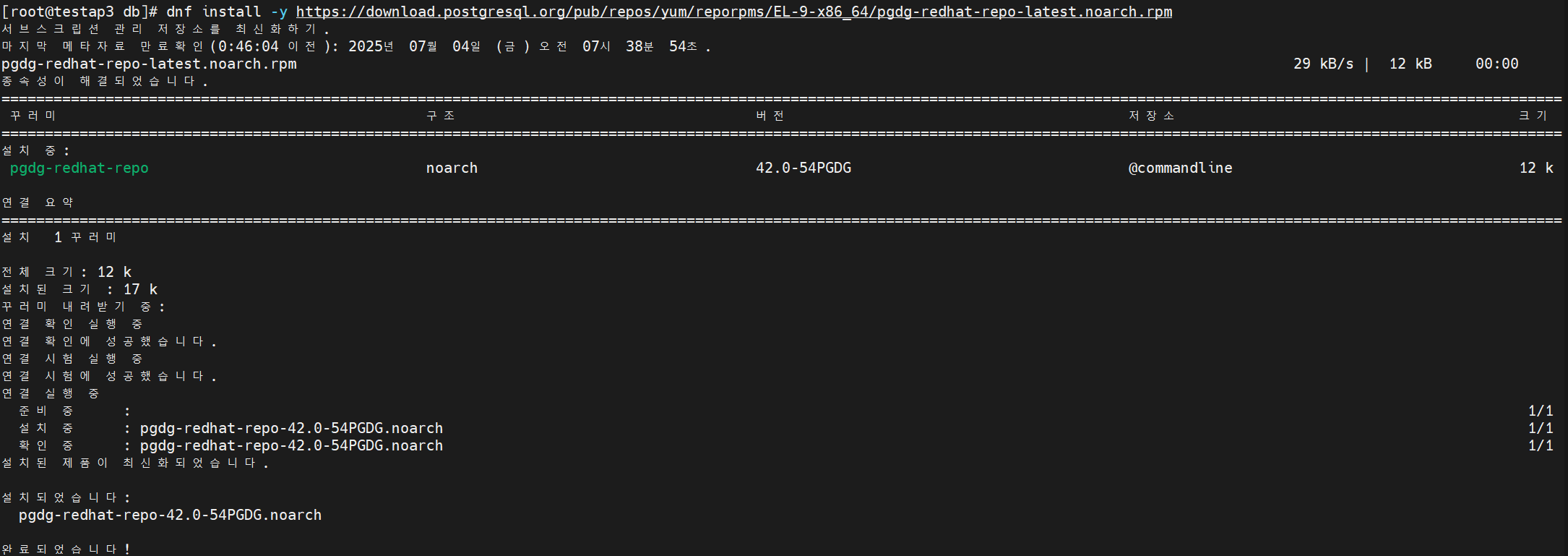
※ 서브스크립션 관리 저장소 관련 문제 해결 방법


# built-in PostgreSQL module disable 상태로 변경
dnf -qy module disable postgresql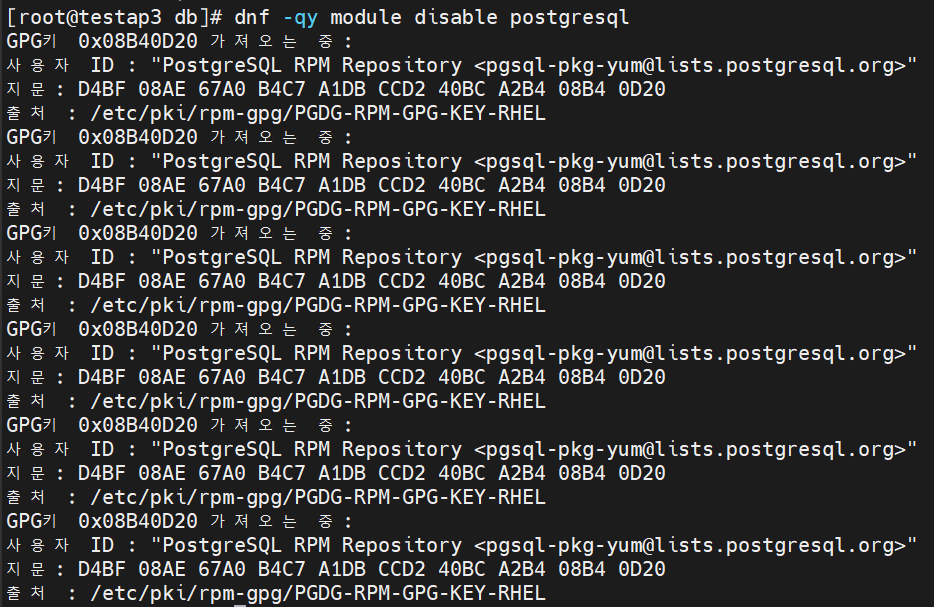
# PostgreSQL 설치
dnf install -y postgresql17-server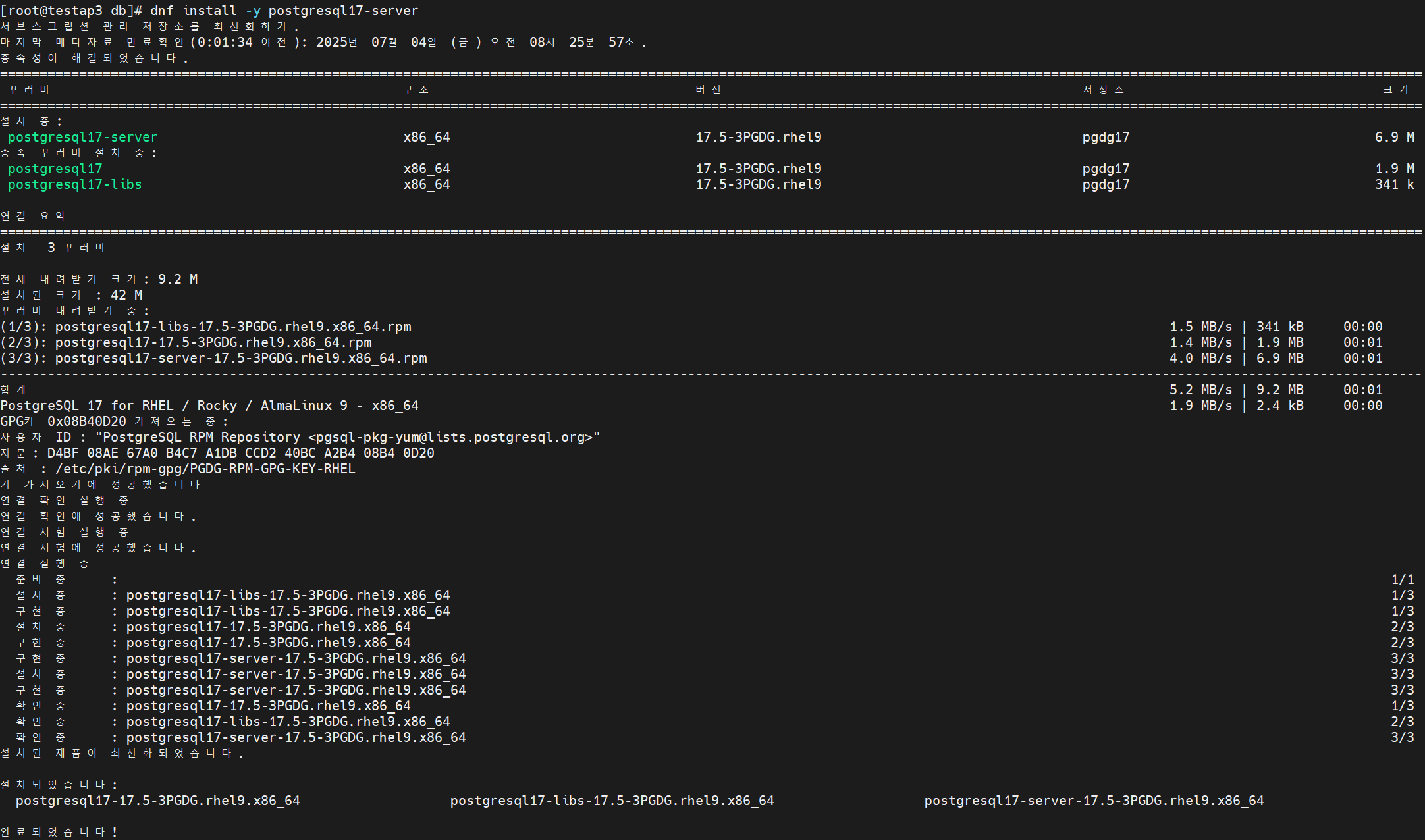
# db 초기화 및 자동 시작 설정
cd /usr/pgsql-17
/usr/pgsql-17/bin/postgresql-17-setup initdb
systemctl enable postgresql-17
systemctl start postgresql-17
# db 상태 확인
systemctl status postgresql-17
# 계정 전환
su - postgres
psql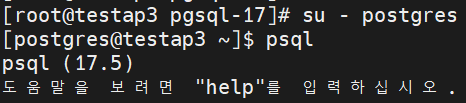
#유저 생성
create user testuser password 'testuser123$' superuser;
# 테이블 스페이스 생성
# root 계정으로 물리 디렉토리(/home/postgres/data) 생성 후 postgres 계정 소유로 변경
mkdir -p /home/postgres/data
chown -R postgres:postgres postgres/

CREATE TABLESPACE testspace LOCATION '/home/postgres/data';
\db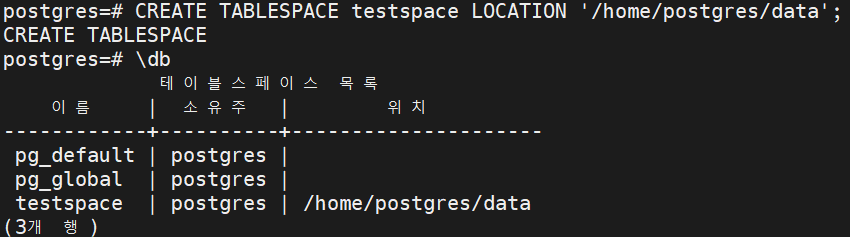
# 디비 생성
CREATE DATABASE test_db WITH OWNER testuser;
728x90
반응형